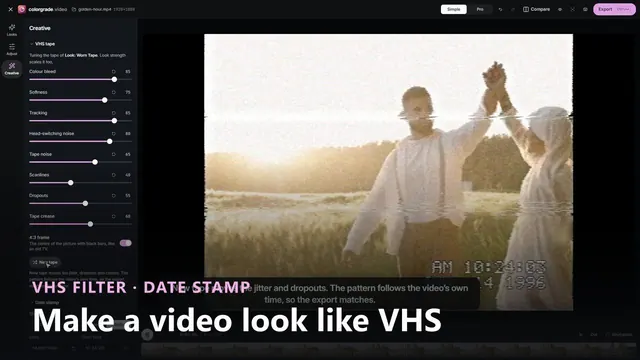
 Duration: 42 seconds
Video guides
See a grade come together on screen, one control at a time. Each video has chapters and captions, plus a transcript if you would rather read.
- Duration: 42 seconds
-
 Duration: 44 seconds
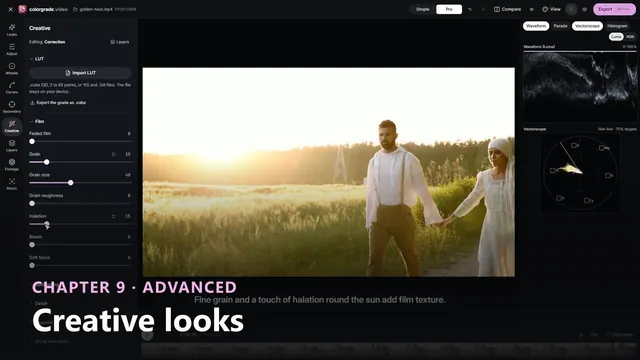
Build a Creative Color Grading Look: Teal, Film and Grain
A creative look built step by step on a golden-hour clip: a neutral correction first, then teal shadows and warm highlights on the Look layer, skin protected, a film-style curve, grain, halation and a vignette, and finally the restraint of a lower Opacity. -
 Duration: 44 seconds
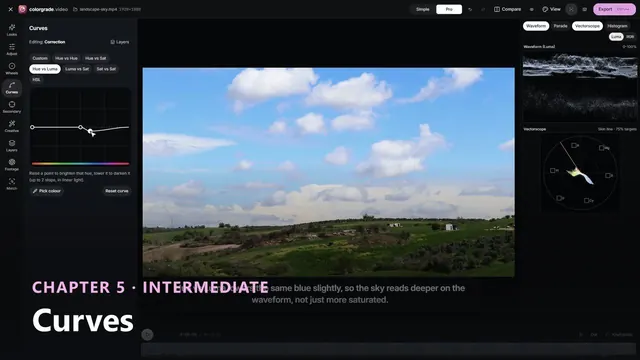
Color Grading Curves: Luma vs RGB S-Curve and Hue vs Sat Sky
Curves on a landscape: the same S-curve on RGB and on Luma shows how RGB adds saturation, then Hue vs Sat and Hue vs Luma deepen the sky, Hue vs Hue turns the foliage greener, and Luma vs Sat quiets the shadows, with the scopes responding. -
 Duration: 44 seconds
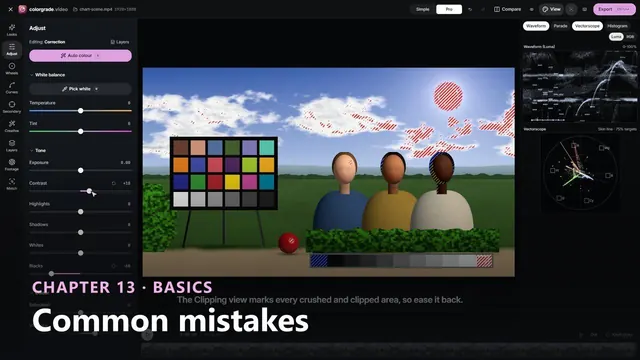
Color Grading Mistakes and Fixes: Saturation, Clips, Skin
Common colour grading mistakes shown on a test scene in the free colorgrade.video studio: over-saturation on the vectorscope, crushed blacks in the Clipping view and skin pushed off the skin tone line, with the fix for each. -
 Duration: 44 seconds
Color Grading Workflow Step by Step: Balance to Look
A colour grading workflow in the free colorgrade.video studio on a sunset clip: balance on the Correction layer, a circle window on the face, a look, grain and vignette, the Layers stack with Opacity, then keyframes for the changing light. -
 Duration: 41 seconds
How to Add Contrast to Video: Black, White and Mid Grey
A flat colour chart corrected step by step: Blacks and Whites set the end points on the waveform, False colour places mid grey, Contrast adds an S-curve and Highlights keeps texture near white, with a split compare at the end. -
 Duration: 44 seconds
How to Correct Skin Tones with the Vectorscope Skin Line
Keep skin natural under a strong grade: read a face on the vectorscope skin tone line, watch a teal and orange look push it off, bring it back with Protect skin tones, then lift the face with a soft window on its own layer. -
 Duration: 43 seconds
How to Match Shots in Color Grading: Two Cameras, One Look
Shot matching in the free colorgrade.video studio: grab a still of interview camera A, open camera B, wipe between them, run Match to this still, then trim Temperature and Tint while the parade and vectorscope line up. -
 Duration: 44 seconds
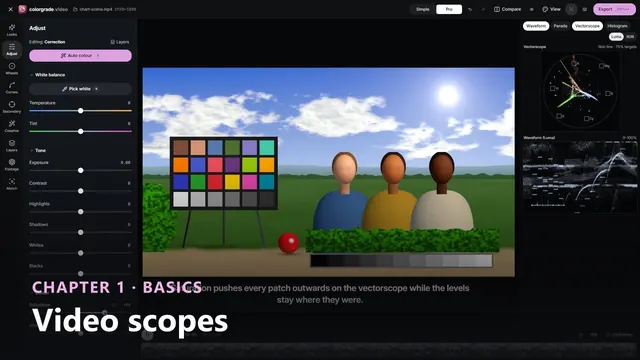
How to Read Video Scopes: Waveform, Parade and Vectorscope
A colour chart on the waveform, RGB parade and vectorscope. Watch the grey wedge form a staircase, a warm cast split the parade, saturation stretch the vectorscope, and false colour and clipping show where levels sit on the picture. -
 Duration: 44 seconds
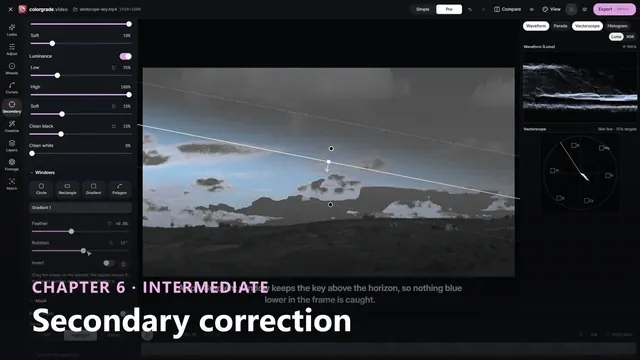
How to Use a Qualifier and Power Window in Grading
Secondary colour correction on a landscape: add a secondary layer, key the sky with a qualifier, check the selection in Highlight view, limit it with a soft gradient window, then deepen the blue while the land keeps its original colour. -
 Duration: 44 seconds
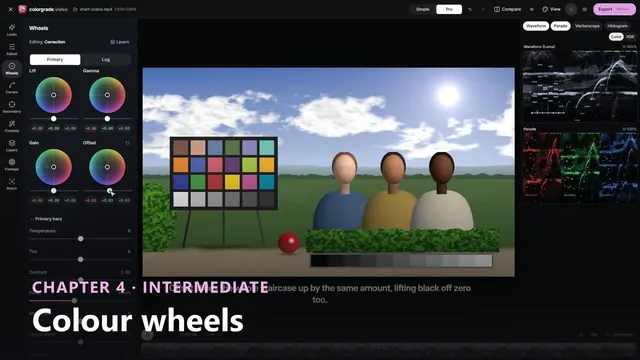
Lift, Gamma, Gain and Offset: Color Wheels on the Waveform
Each colour wheel moved on a test chart with its grey wedge on the waveform and parade: Lift moves the blacks, Gain the whites, Gamma bows the midtones and Offset slides everything, then the pucks warm the top and cool the shadows. -
 Duration: 39 seconds
Log Footage Color Management: Convert First, Then Add a Look
Why order matters with log footage: a creative look on raw S-Log3 stays flat, then setting the Footage input transform converts the clip to Rec.709 underneath the look. Log exposure trims it in stops, and the grade leaves as a 33-point .cube LUT. -
 Duration: 40 seconds
Rec.709 vs sRGB vs Gamma 2.4: Choose an Output, Export
Convert S-Log3 footage in the free colorgrade.video studio and switch Output between Rec.709, Gamma 2.4 and sRGB while the waveform shows middle grey move, then export the video, a PNG still and the grade as a .cube LUT. -
 Duration: 39 seconds
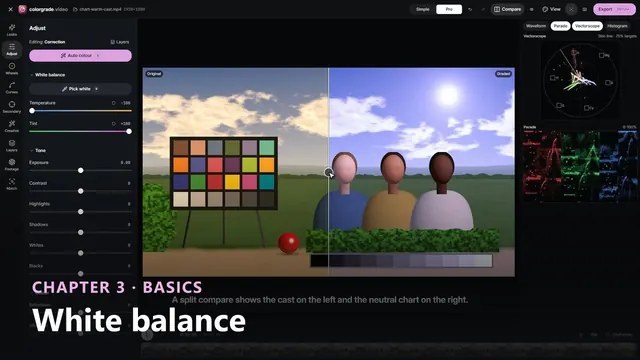
White Balance with Pick White and the RGB Parade
A tungsten-lit colour chart corrected on the scopes: the RGB parade shows the cast, Pick white on a grey step neutralises it, the traces line up and the vectorscope centres, then warmth goes back on its own layer, dialled in with Opacity.